1SubTV Remote.
Use your Android phone as a remote for a compatible streaming device. Get the app and setup instructions through your free 1SubTV account.
Get the Android Phone Remote
Sign in or create a free account on our Downloads page, then open the Android Phone Remote section for the current download and setup instructions.
Get the Remote AppA free account is required. No paid subscription is needed to access app downloads.
Before you begin
- Use an Android phone and a compatible streaming device.
- Follow the pairing instructions provided with the download.
- Keep your physical remote available during setup. Compatibility and available controls vary by device.
Not sure whether your device works with the remote? Ask our support team.
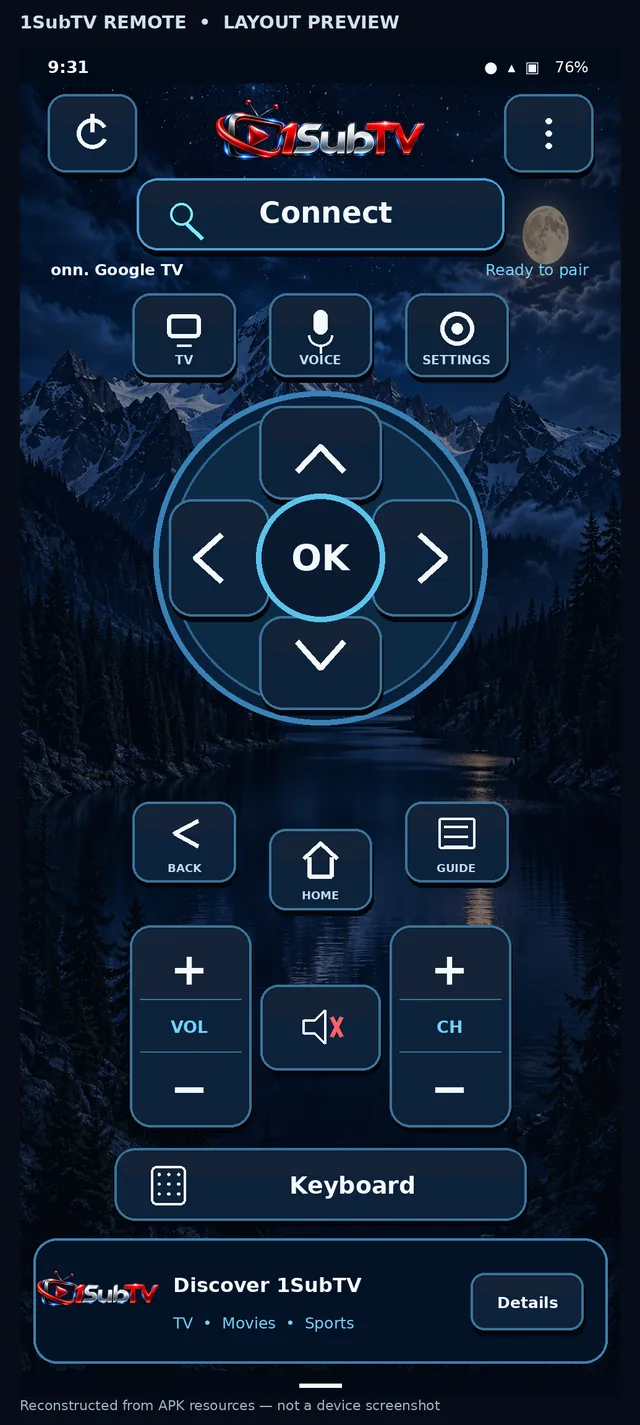
Start in three steps
- Open Downloads. Sign in or create your free account.
- Choose Android Phone Remote. Download the app and follow the installation instructions.
- Follow the pairing guide. Connect your compatible streaming device using the instructions provided.